
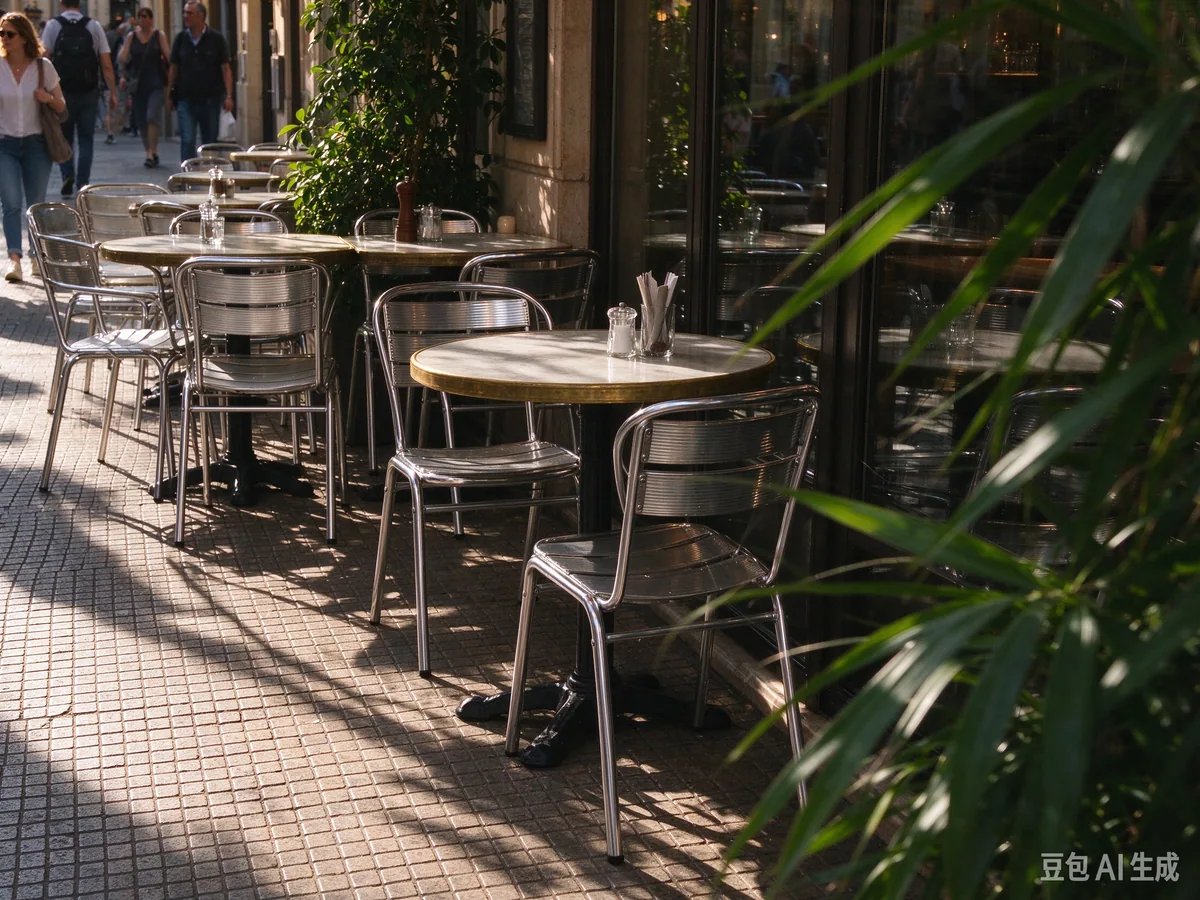
Original
Result
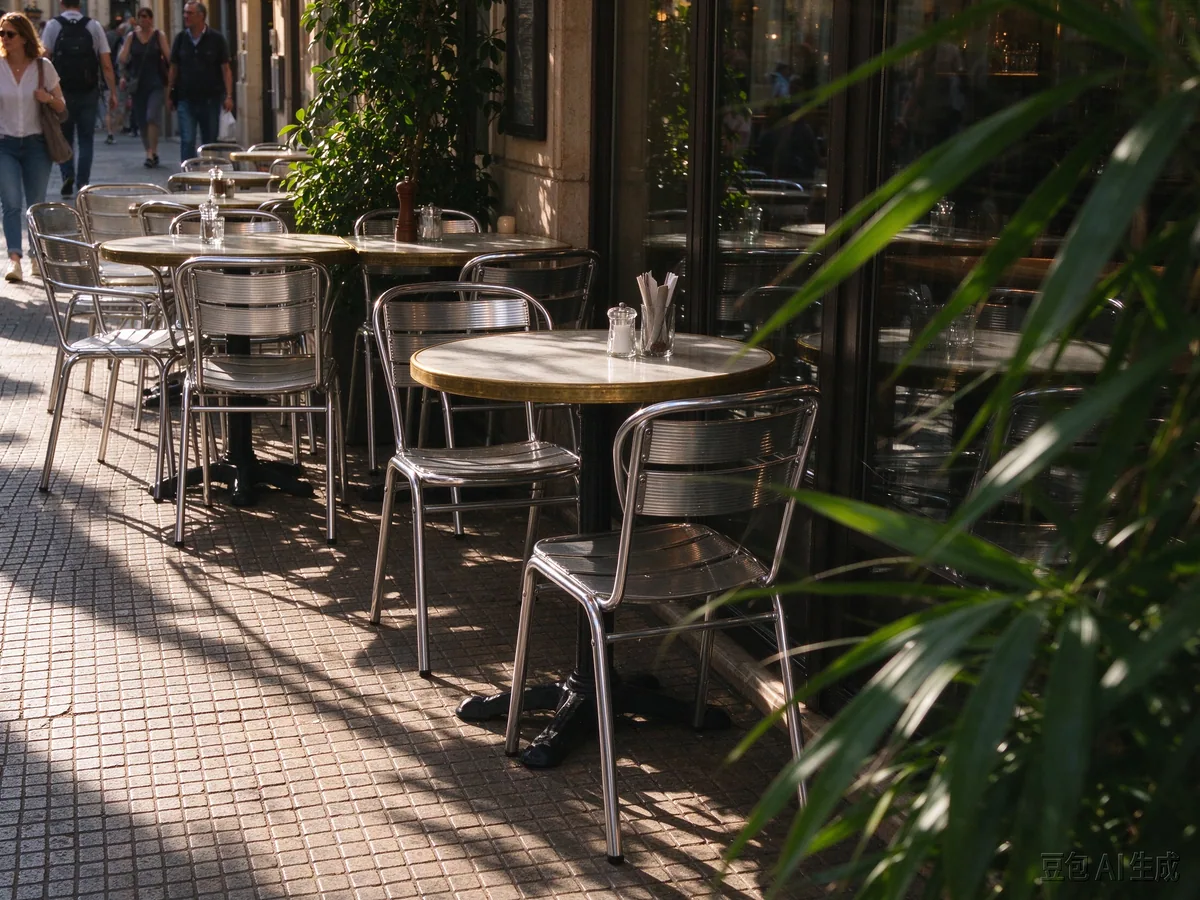
Street café scene
The watermark is removed while chair edges, pavement texture, highlights, and foliage remain intact.
The before and after images use the same crop and compression settings for a fair comparison.
AI-powered Gemini Watermark Erase delivers cleaner watermark removal results across different image types.


On solid or gradient backgrounds, Gemini Watermark Erase is usually more stable. When you want to remove the Gemini mark from simple compositions, these cases often yield the most natural results.


Where it really shows is colorful, detailed, texture-rich images. Gemini Watermark Erase tries to remove the Gemini watermark while keeping original color, edges, and depth.


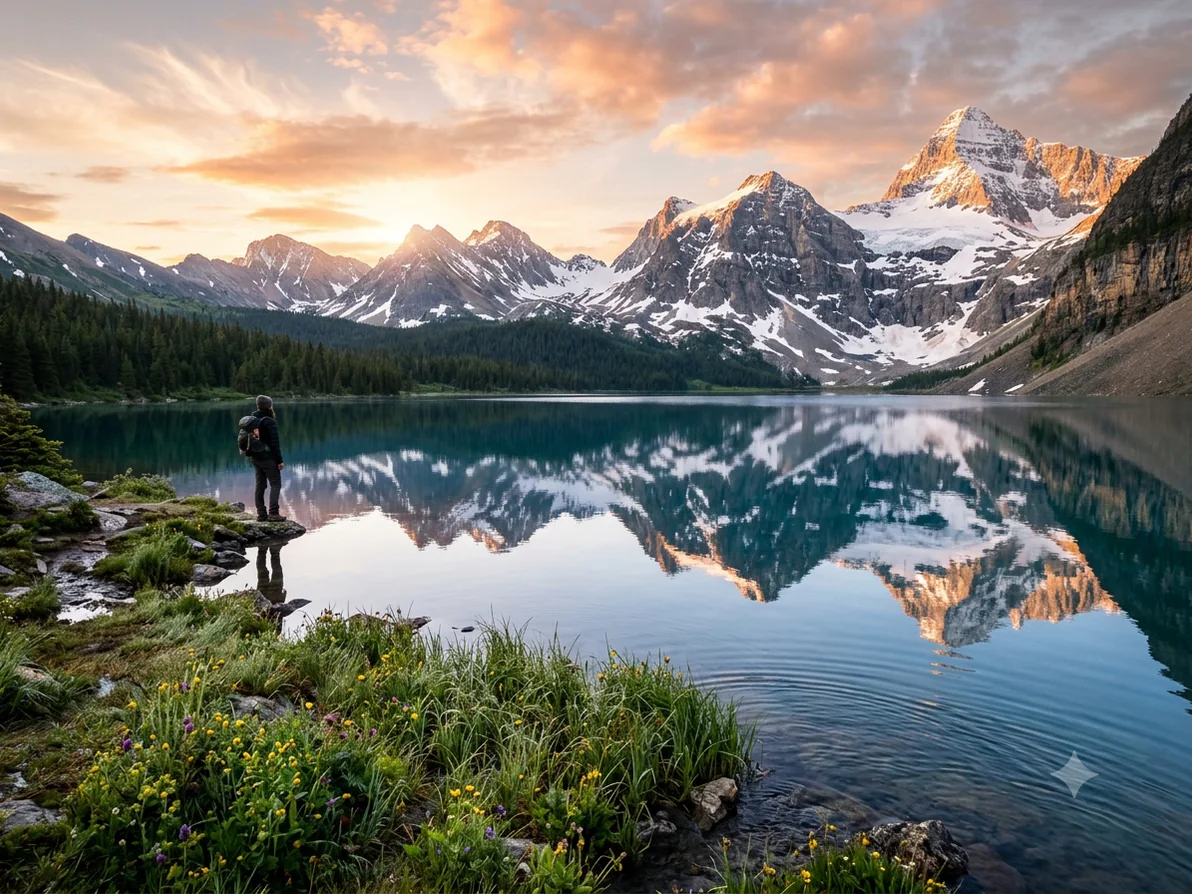
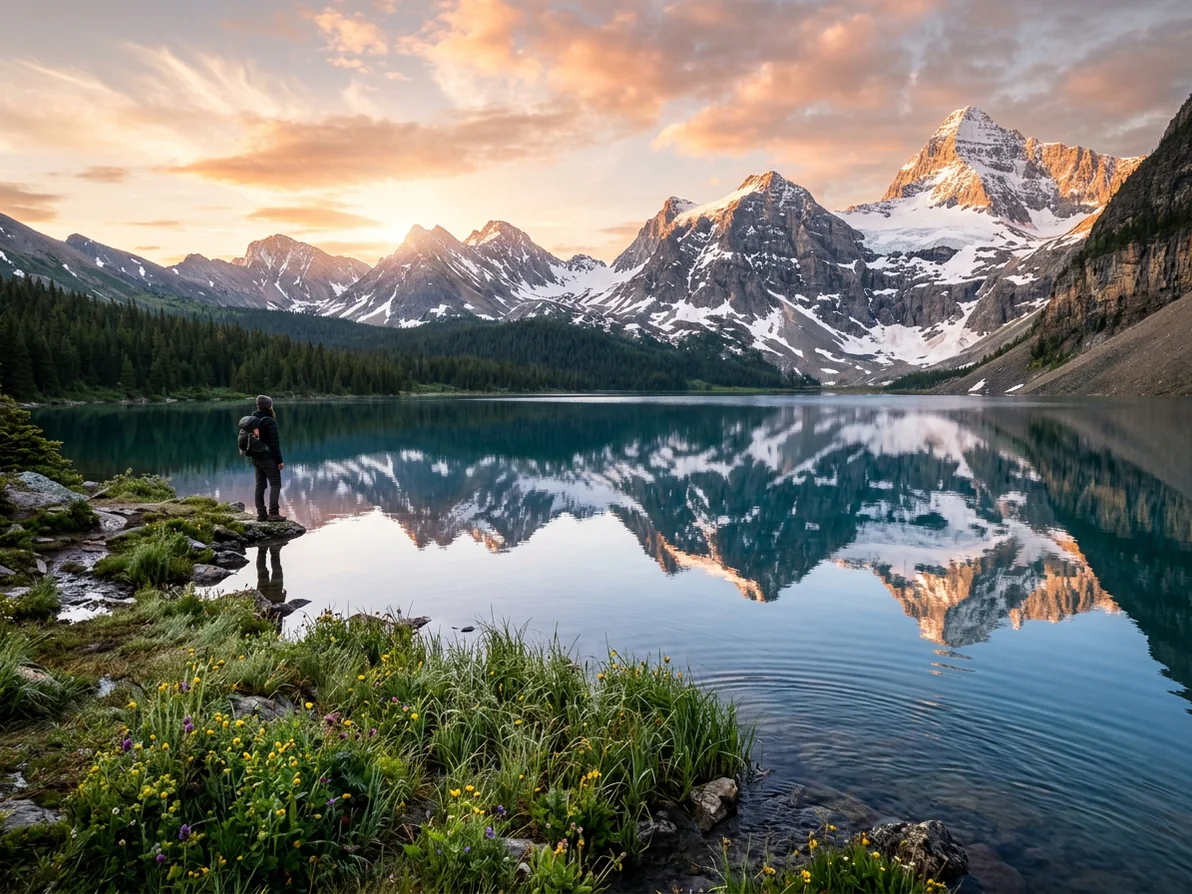
We use LaMa AI to rebuild the area covered by the watermark—not a simple blur. So after removing the Gemini watermark, the image usually stays sharp and rarely shows obvious retouching.


Real Doubao exports from the test set, processed with the same local template engine used by this page.
The watermark is removed while chair edges, pavement texture, highlights, and foliage remain intact.
The before and after images use the same crop and compression settings for a fair comparison.

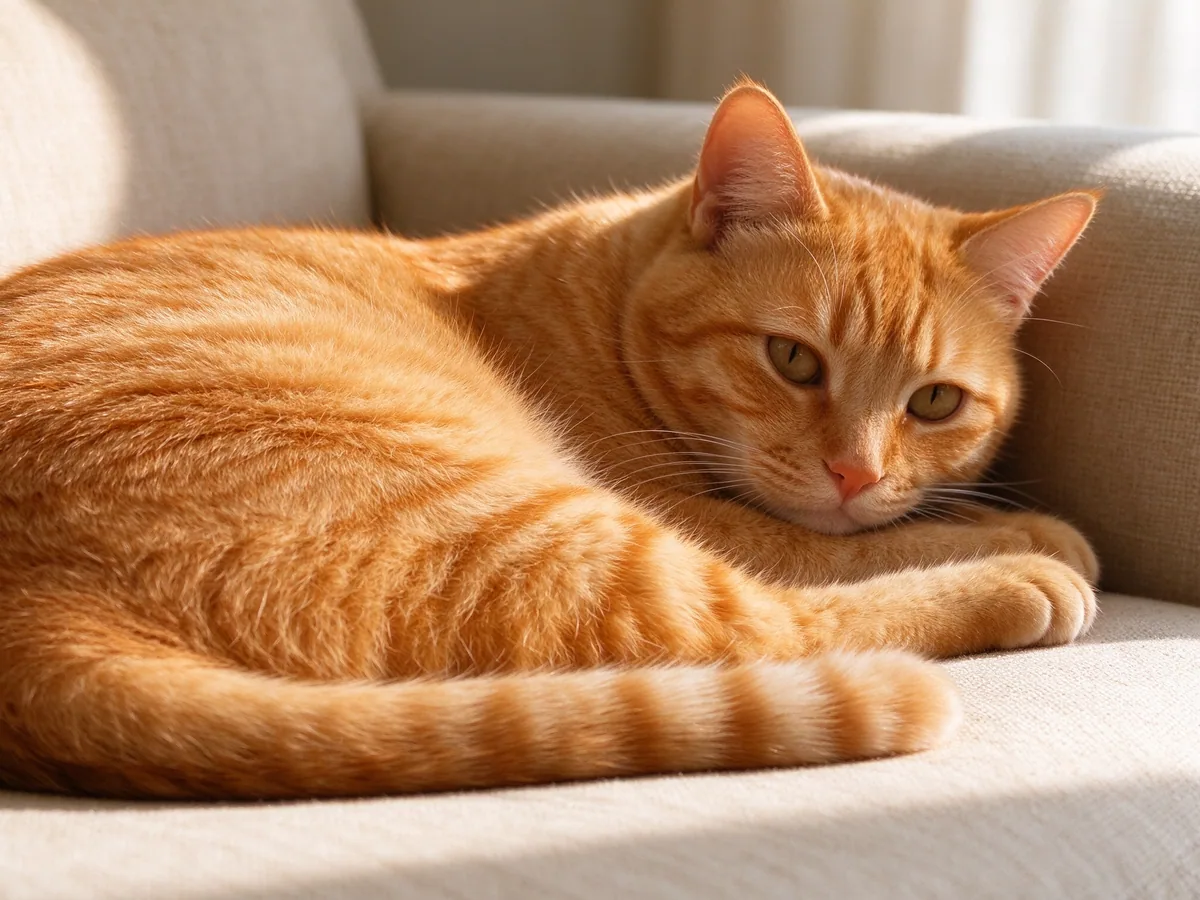
Fine fur, soft fabric, and warm shadow transitions remain natural after local pixel restoration.
The before and after images use the same crop and compression settings for a fair comparison.
Results usually look free of obvious patching.
Most processing happens on your device.
Most images need almost no extra wait.
If you often save Gemini images, Gemini Watermark Erase saves a lot of time compared to manual retouching.
Lifetime license • No subscription • Local processing • Privacy-first